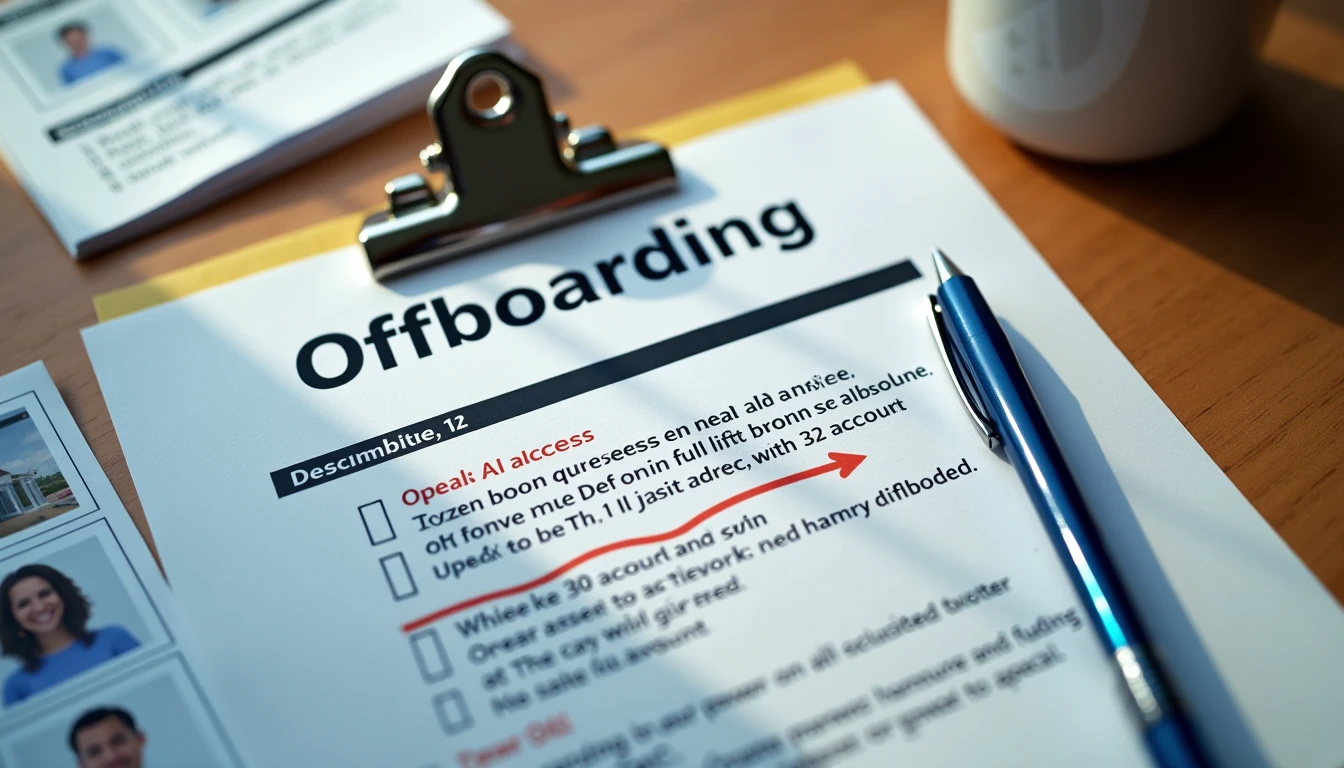
Staff departures are routine in small practices. The administrative work that accompanies them is often compressed into the final days or hours. AI tools introduce an additional set of access points that are easy to overlook when the primary focus is the EHR, email, and building keys. A short, explicit checklist prevents those access points from becoming residual risk.
This article provides a practical checklist designed for five-to-fifteen-person behavioral-health practices. The items are deliberately few. The goal is a process that can be completed under time pressure and that leaves a clear record for future reference. The checklist is not a comprehensive security program. It is a minimum set of actions that keep individual accountability intact when people leave the organization.
Why AI Access Needs Its Own Attention at Departure
AI platforms often retain prompts, outputs, usage logs, and sometimes cached data. If an individual account remains active after a staff member leaves, the practice loses control over that residual trail. Shared accounts compound the problem because disabling them affects remaining users and may leave the departed person’s activity mixed with others.
Even when the AI use case is narrow and administrative, the principle remains the same. Access that is no longer needed should be removed promptly, and the removal should be documented. Waiting until a quarterly review or an external question surfaces the gap creates unnecessary exposure and extra work later.

The Checklist
Complete the following steps on or before the staff member’s last day. Assign a single owner—usually the operations lead—so that responsibility is clear.
Identify every AI tool the departing person could access, including any pilot or limited-use platforms.
Disable the individual’s account in each tool. Do not reassign the account to another person.
Confirm that no shared or generic credentials were in use for the same tools. If any existed, change the password and document the change.
Review the access log and record the disable date next to the person’s name.
Note the departure and the access actions in the relevant decision record if the person participated in an active pilot.
Verify that any local files, exported drafts, or exception-log entries associated with the person remain accessible to the remaining team under appropriate permissions.
The entire sequence typically takes less than fifteen minutes when the access log and decision records are already in place. The time expands significantly when those records do not exist and the practice must reconstruct access from memory or vendor support tickets. In those cases the departure becomes both an offboarding task and an unplanned discovery process. Maintaining the log and the decision records in ordinary times is what keeps the departure checklist short.
We also recommend a brief confirmation email or note to the remaining team that the access steps have been completed. The note does not need to be elaborate. It simply creates a timestamped record that the actions occurred and that the relevant people were informed.
Integrating the Checklist Into Existing Offboarding
The AI-access steps should be added to the practice’s standard offboarding checklist rather than treated as a separate process. When they live in a different document or depend on a single person’s memory, they are the items most likely to be skipped under time pressure. Integration makes the steps visible to whoever is managing the departure, even if the usual operations lead is unavailable.
What the Checklist Does Not Replace
The checklist does not replace a full security review, a formal access audit, or legal advice about data retention. It is a minimum operational control that fits the capacity of a small practice. Its value lies in consistency and documentation rather than in comprehensive coverage of every possible risk.
We also treat the checklist as a living document. If a new AI tool is added to the environment, the checklist is updated to include it. If a departure reveals a gap—such as an undocumented shared login—the gap is closed and the checklist is revised so the same gap does not reappear. Over time the checklist and the access log together form a lightweight but usable history of who could reach which systems and when that access ended.
The discipline also supports the broader principle that the tool doesn’t sign the note. Specific people do. When those people leave, the systems that supported their work should reflect the change promptly and visibly. Leaving accounts active or shared credentials unchanged blurs that specificity and makes later questions harder to answer.
That’s a judgment call, not a tool question. Reviewing AI access when someone leaves is a small act of operational hygiene. It is also one of the clearest ways a practice demonstrates that individual accountability is real rather than theoretical. Slow is not the same as behind. Completing a short, explicit checklist at the moment of departure prevents larger and more time-consuming problems later. Practices that treat the step as optional often discover the missing trail only when they need it most.